
aMud
v0.2.5-alpha — Alpha — Free for Windows
aMud is my attempt to bring together everything that makes TinTin++ and Mudlet great — the scripting power, the flexibility — into one C# Windows application with a proper modern UI instead of a terminal window.
On top of that it adds some quality-of-life extras: full TinTin++ script compatibility, a built-in database for equipment, mobs, and quests, a character sheet planner, and a GUI-based visual mapper you can pop out into its own window — handy for running fullscreen on a second monitor while you play. If you play LegendMUD it also ships with Svartur's LegendMUD script and a fully populated database out of the box.
Currently in alpha — expect rough edges, but it's very playable.
✦ Features
🖥️
Modern Windows UI
Built for Windows from the ground up — no terminal hacks, no ports. A proper native application.
📜
TinTin++ compatibility
Full TinTin++ script support — triggers, aliases, variables, events, macros, #split, and #draw all work.
🌙
Mudlet Lua compatibility
Bring your Mudlet Lua scripts over too — this one took a lot of work, and it shows.
🗺️
Visual mapper
GUI-based mapper that builds as you explore, with Z-axis up/down display for multi-floor areas. Pop it out into its own window to run fullscreen on a second monitor.
🗄️
Built-in database
SQLite database for equipment, mobs, and quests. LegendMUD users get a fully populated import from LegendHub.
🧙
Character planner
Plan your character build before you commit. LegendMUD users get LegendHub's builder math built in.
🎨
Customisable themes
Customisable themes and ANSI colour remapper — make the terminal look exactly how you want it.
✦ Screenshots
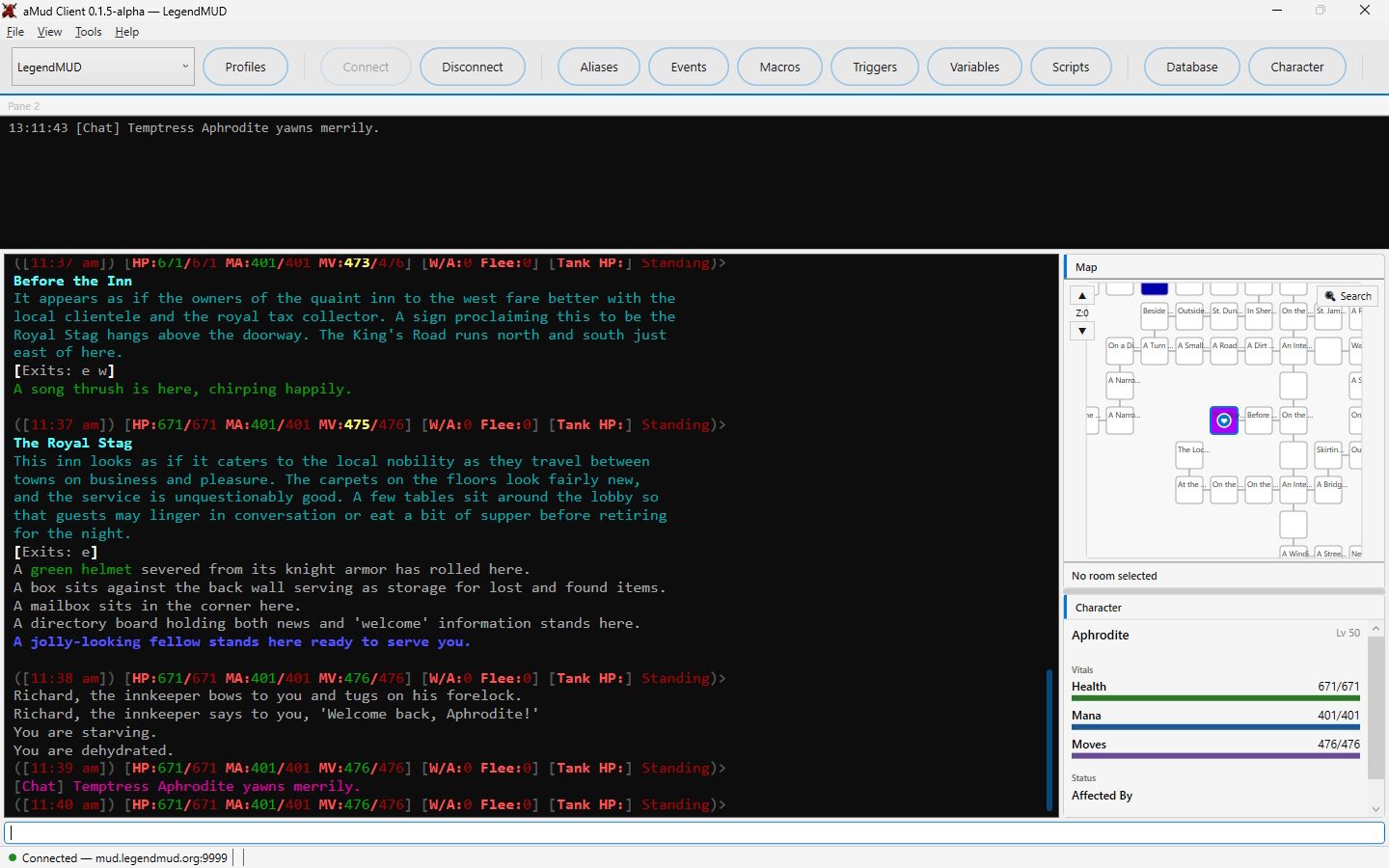
Main screen
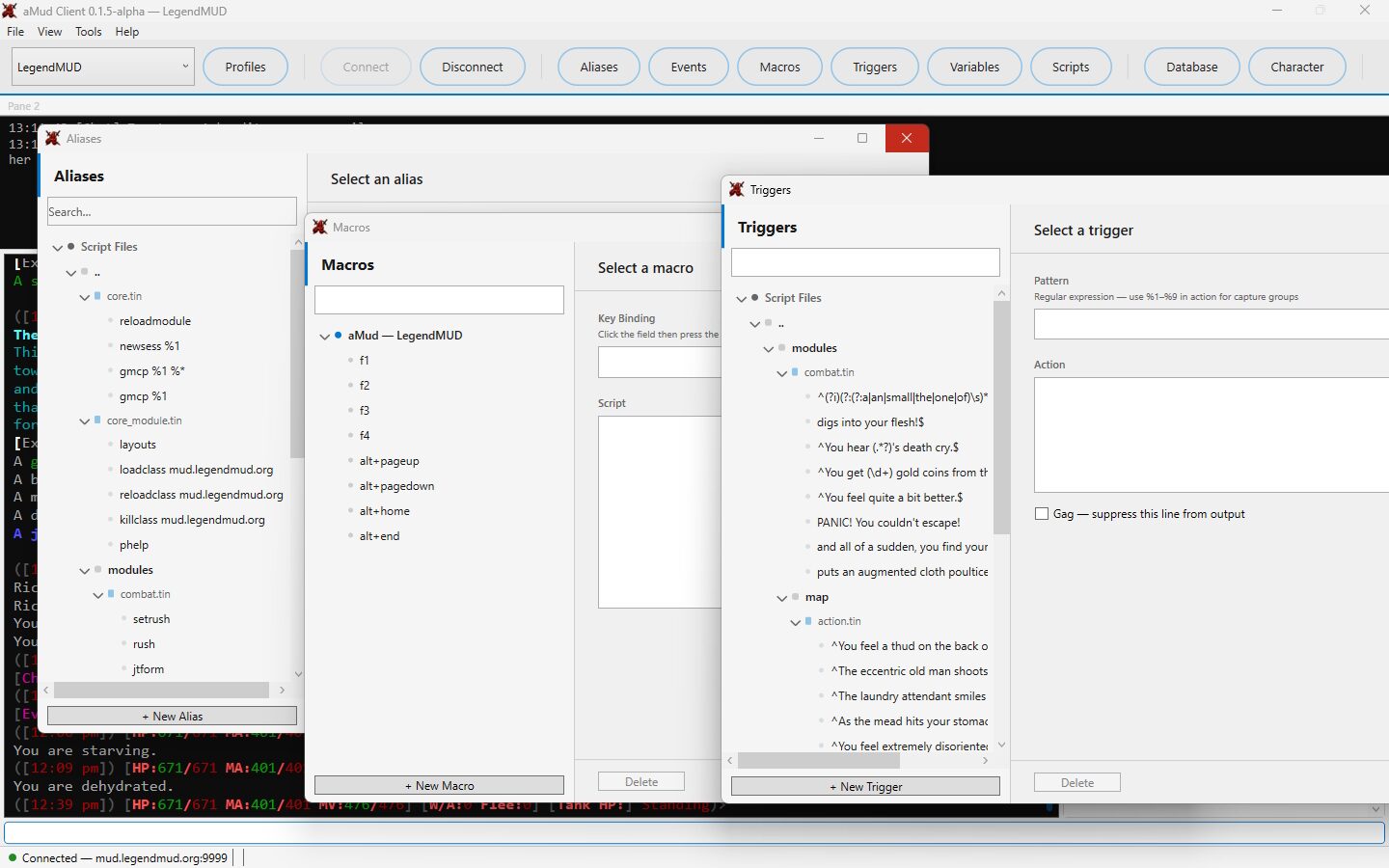
Settings & theme customisation
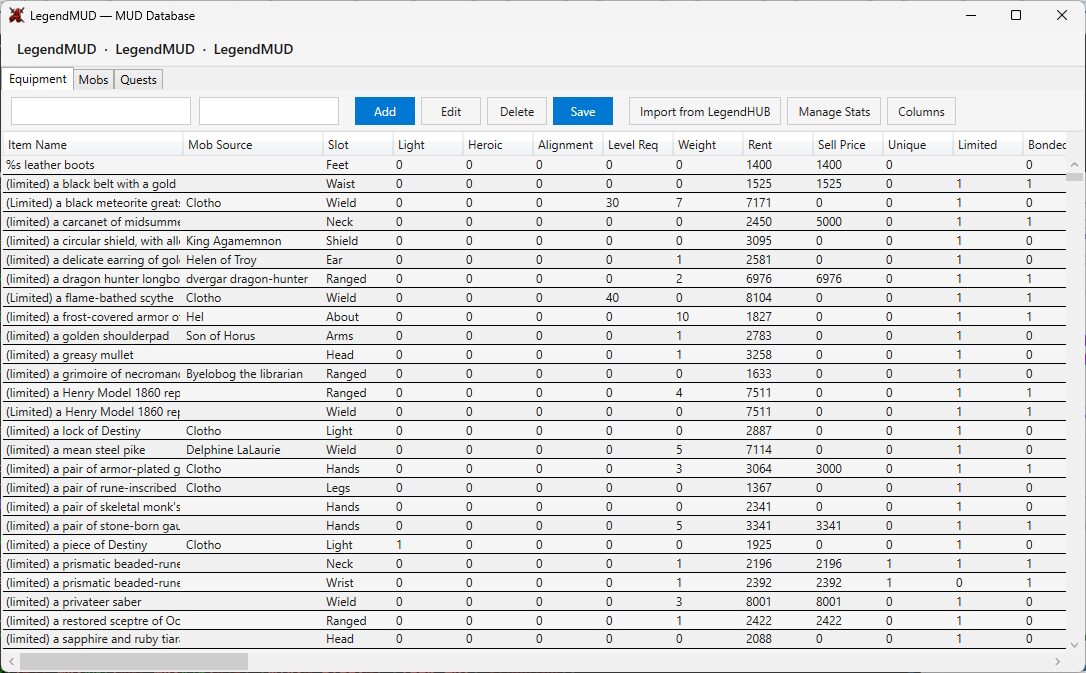
Built-in database
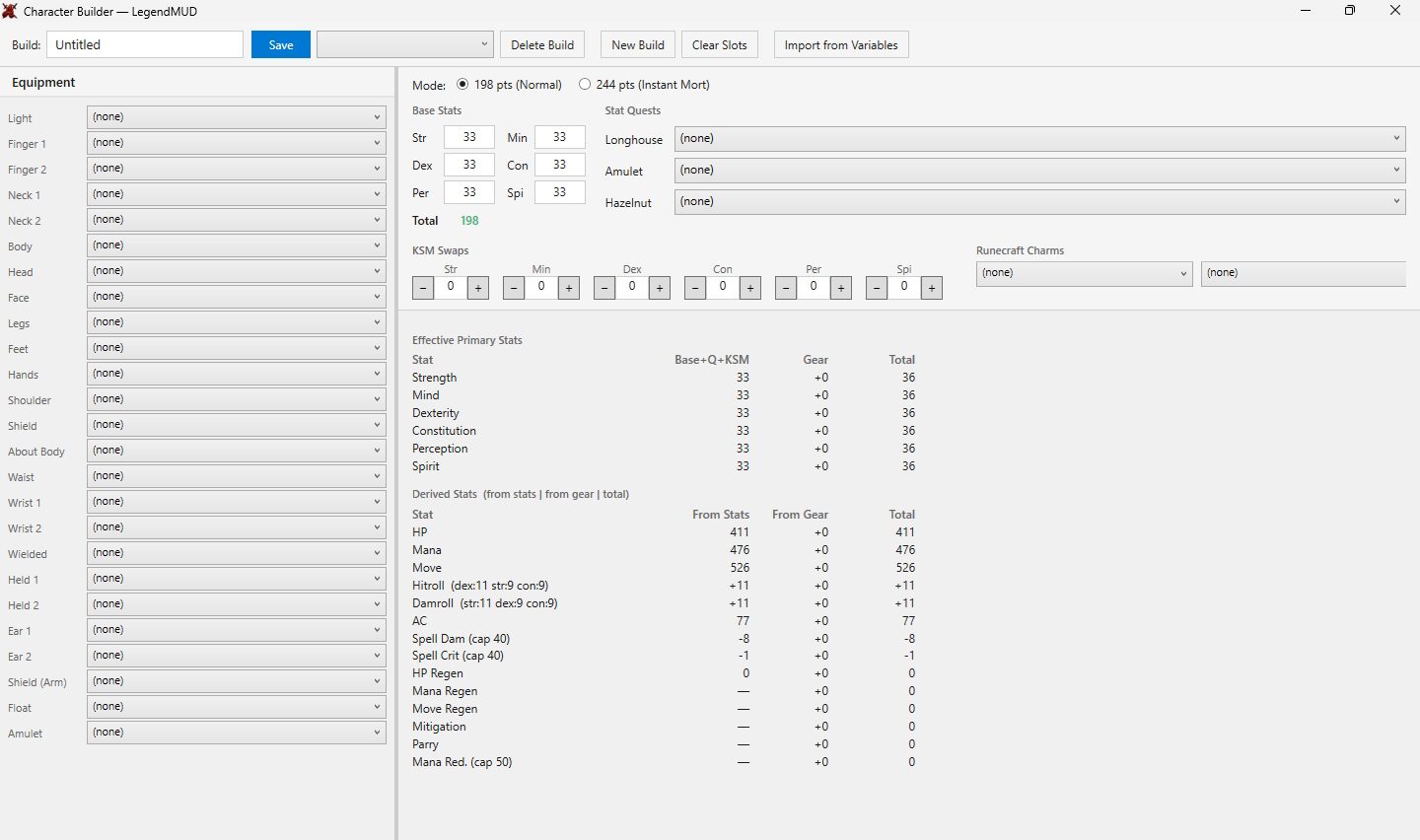
Character planner
✦ Changelog
v0.2.5-alpha — latest
- Cartographer (Dark)
- Ledger (Light)
- Bubblegum (Light)
- Retro MUD (Grey)
- Custom title bar on every window
- Fixed a real, pre-existing bug
- WindowChromeFix
- Added themed default styles for plain TextBox, PasswordBox, and